
Apple 85W MagSafe 2 Power Adapter (MacBook Pro with Retina Display)
Apple 85W MagSafe 2 Power Adapter (for MacBook Pro with Retina display)

Apple 85W MagSafe 2 Power Adapter (for MacBook Pro with Retina display)
85,00€
Unit price perGet it fast
Pickup
Loading store
Error loading
Versand 1-2 working days in Austria
Flexible financing
Flexible financing
Technology Center
Technology Center
Your specialist in Vorarlberg. Whether it's iPhone, Mac, iPad or Watch repair. epos repairs all Apple devices quickly and reliably - no matter where you bought them.
Purchase service
Purchase service
Free Shipping
Free Shipping
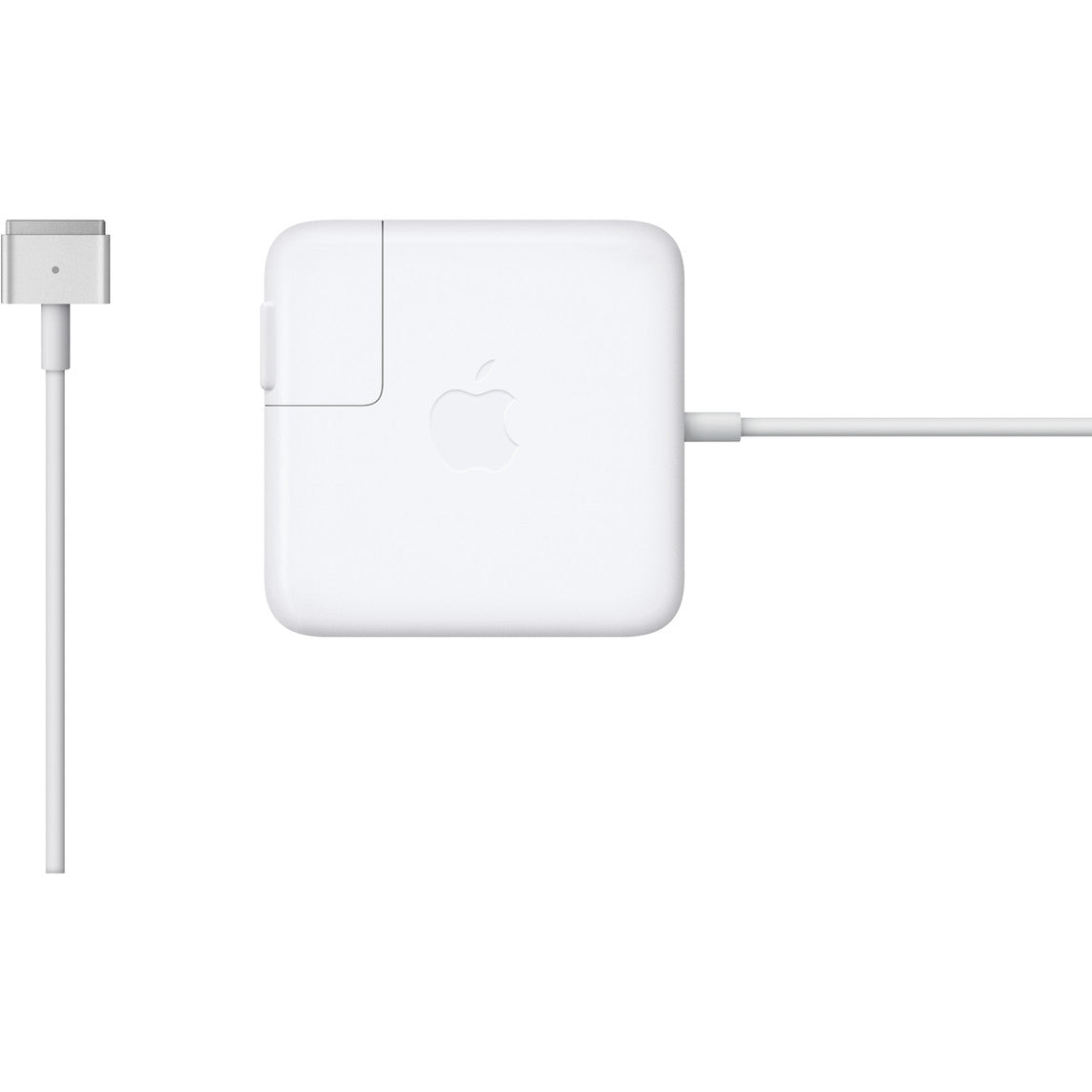
The 85W MagSafe 2 Power Adapter comes with a magnetic connector. So, if someone trips over it, the cable simply detaches, and the MacBook Pro stays put. This also protects the cable from damage. The magnetic connector ensures a quick and secure connection. When properly connected, an LED indicator on the top of the connector lights up: orange means the notebook is charging, and green means the battery is fully charged. A power cord is included to maximize cable length. The included wall adapter allows for easy charging on the go. Compatible with the MacBook Pro with Retina display.
An LED indicator on the top of the connector lights up when the connection is established. Orange means the device is charging. Green means it is fully charged. A power cord is included for maximum cable length. The compact wall adapter, also included, is perfect for travel.
With its intelligent design, the power supply is practical for on the go, because you can simply wind up the cable and store it easily.
This power adapter charges the lithium-polymer battery when the system is switched on, off, or in sleep mode. It also powers the device when you are not using it on battery power.
Compatible with the MacBook Pro with Retina display.
More information to help you make the right choice.
You need to determine your exact Mac model. If you're using OS X Lion (10.7) or later, click the Apple logo () in the top left corner of your screen, select "About This Mac," and then click the "More Info…" button. Your Mac model and generation will be displayed.
If you are using an older version of OS X, enter your serial number here (in English) to determine which model you have.
Collapsible content
Manufacturer information
Manufacturer
Responsible person in the EU
